



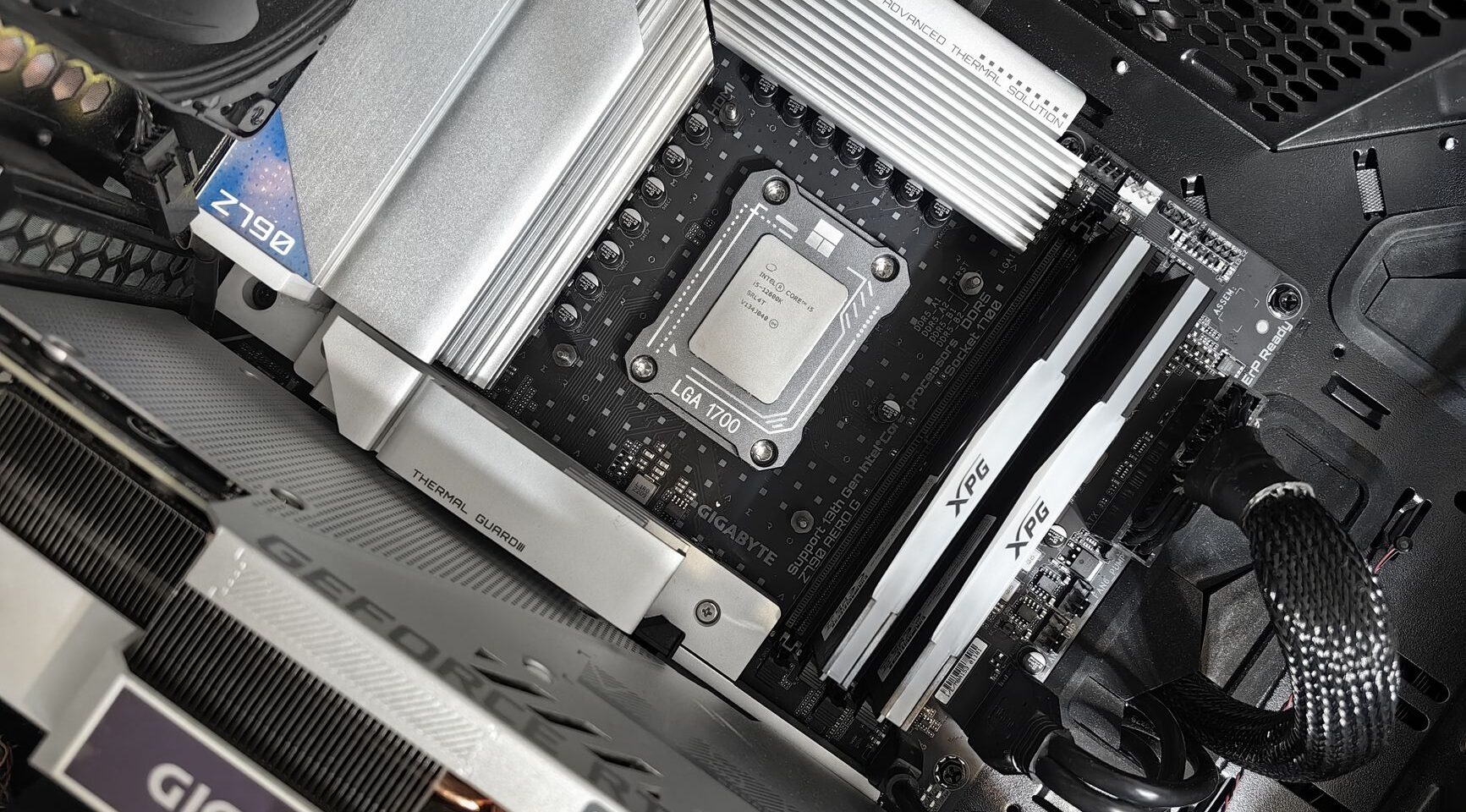
Gaming vs Workstation: Choosing the Right Computer Components

Building a computer requires different priorities depending on how you’ll use it. A gaming PC emphasizes speed and graphics capability, while a workstation prioritizes stability, memory capacity, and processing power for professional software. Understanding these distinctions helps you allocate your budget effectively and avoid overspending on unnecessary features. Choosing appropriate PC components for your specific use case ensures you won’t overspend on features you don’t need while getting everything essential for your workflow. Each build type demands specific component priorities and optimization strategies.
Gaming Rigs Demand GPU Excellence
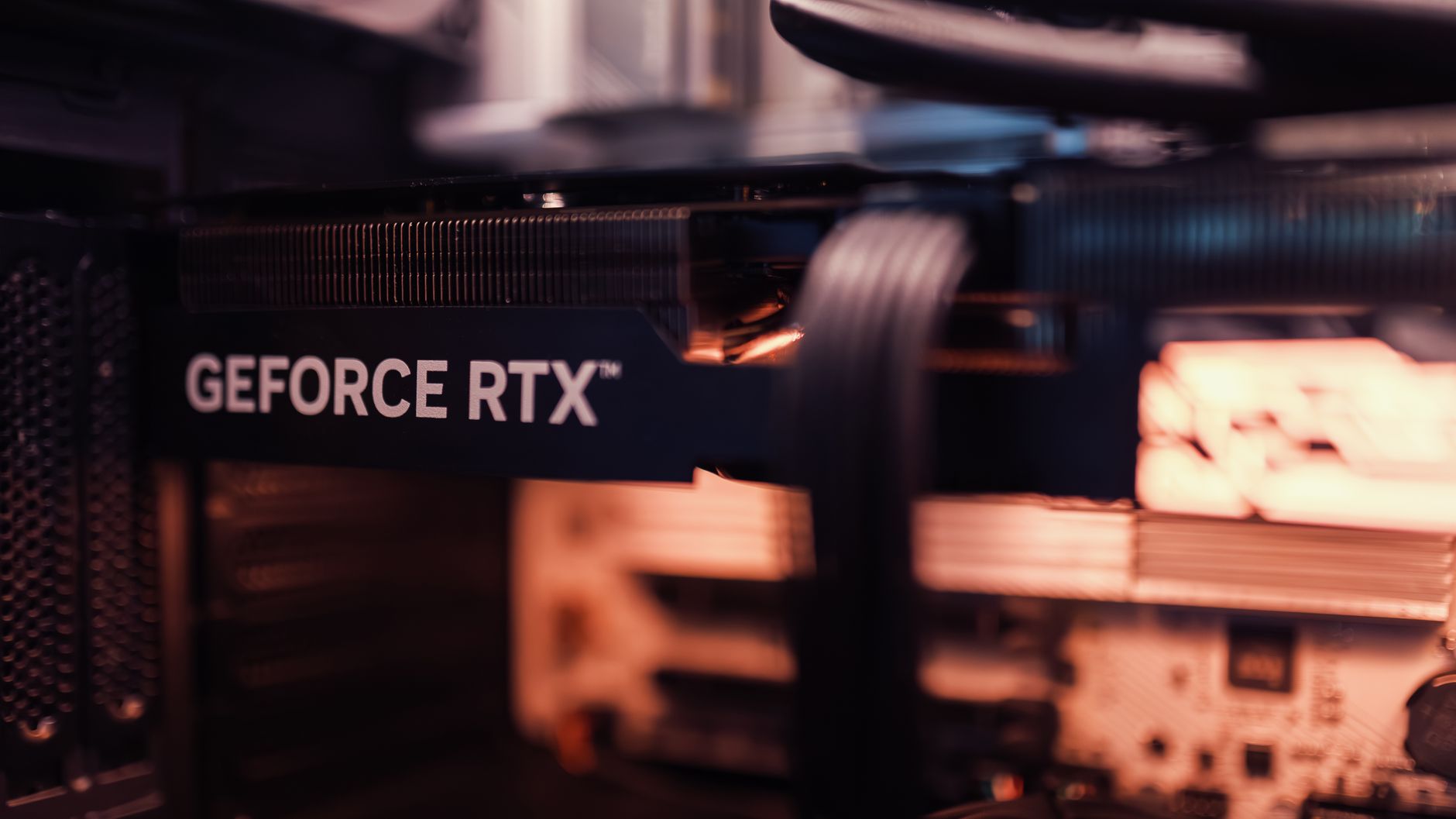
Gamers need powerful graphics processing units above all else. Modern games push GPU capabilities to their limits, requiring dedicated graphics cards with substantial VRAM. The faster your graphics card, the higher framerates you’ll achieve and the better visual details you can display at stable performance. Gaming CPUs still matter, but they take secondary importance compared to GPU power. High refresh rate monitors (144Hz+) showcase GPU performance better. High-performance gaming components from quality manufacturers ensure years of smooth gameplay at maximum settings. NVIDIA and AMD compete fiercely, both producing excellent options at various price points. GPU memory bandwidth matters tremendously for gaming performance.
Workstations Prioritize Processing Power and RAM
Professional workstations serve different masters entirely. Video editors, 3D designers, and data analysts need maximum CPU cores, substantial RAM capacity, and reliable storage solutions. These machines handle rendering tasks that can run for hours or days continuously. A workstation might include 32GB or 64GB of RAM compared to a gaming PC’s 16GB or 32GB. CPU selection matters more than graphics power, though many workstations still include professional-grade GPUs for specific applications like CUDA acceleration in rendering or machine learning tasks. Stability and reliability matter more than raw speed—workstations must run 24/7 without thermal throttling or random crashes.
Storage Solutions Differ by Purpose
Gaming systems benefit from large, fast SSDs for quick game loading and level streaming. Minimizing load times enhances gaming enjoyment significantly. Workstations often use a combination of fast NVMe drives for active projects plus large capacity RAID arrays for redundant backup against drive failures. Project files can grow enormous—4K video editing generates massive file sizes, and 3D models with millions of polygons require terabytes of storage. The storage philosophy differs fundamentally—gamers want speed for responsiveness, professionals want capacity and fault tolerance for irreplaceable data. Both benefit from quality storage, but implementation strategies diverge significantly based on workflow requirements. Enterprise-grade SSDs cost more but provide higher reliability and longer warranties than consumer models.
Cooling and Power Requirements
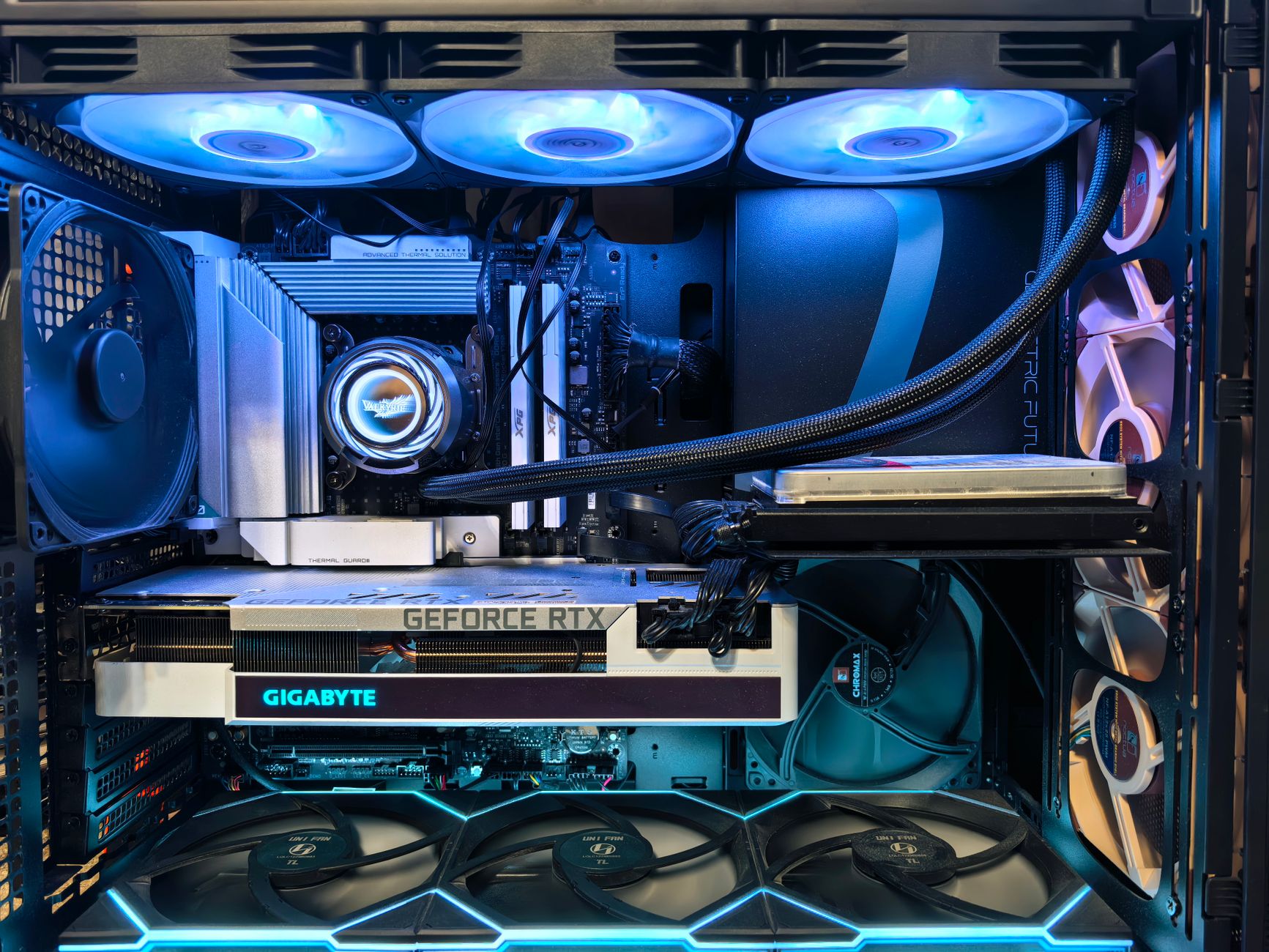
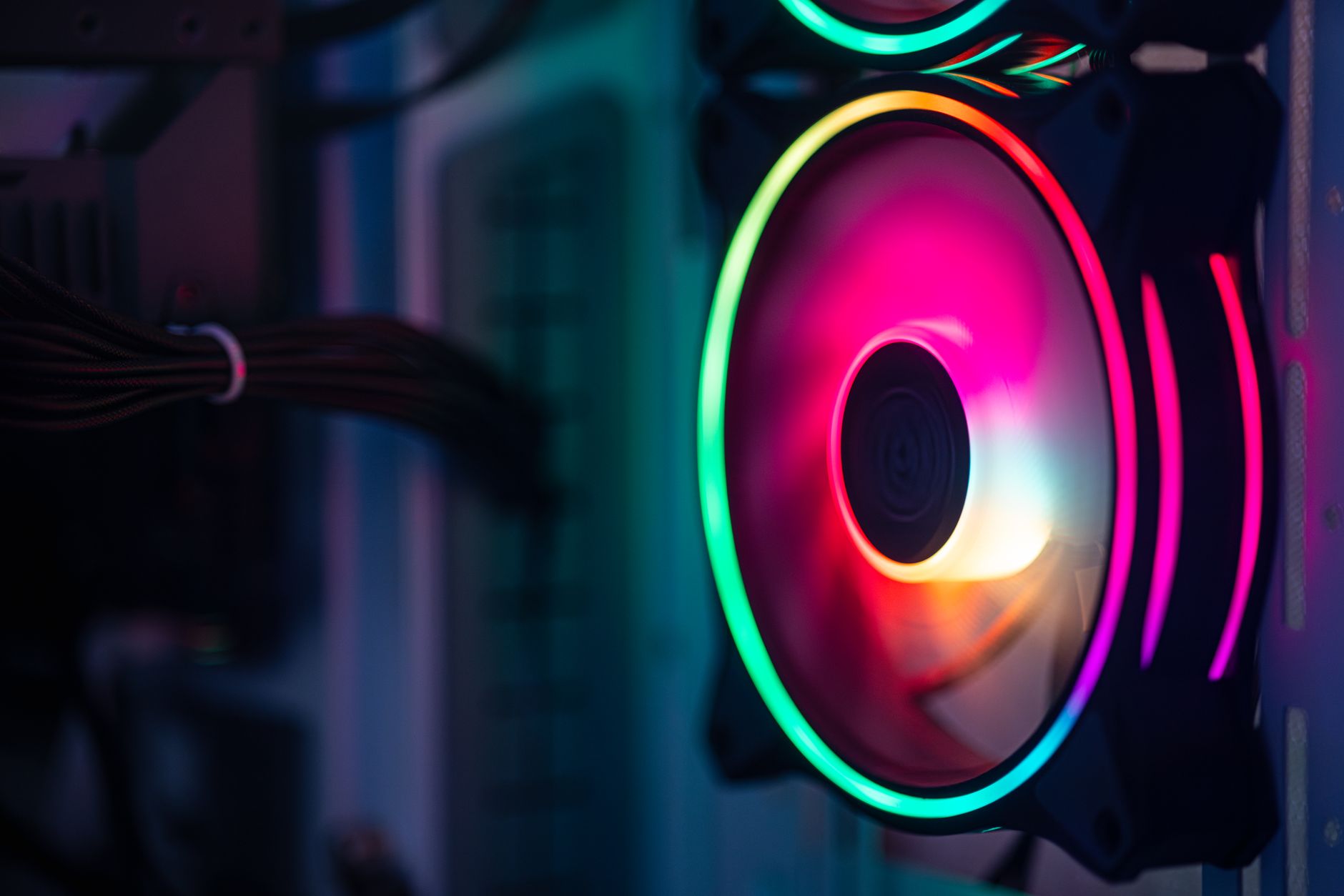
Gaming PCs run hot and need robust cooling solutions to maintain performance during extended play sessions. GPUs generate tremendous heat under load. Workstations run different loads—sometimes fully loaded for hours, sometimes idle between tasks. Their thermal requirements depend on the specific work being performed. Power supply capacity matters for both, but workstations often need more sustained power delivery, while gaming systems need quick power response for variable loads. Oversized power supplies improve efficiency and reduce fan noise, money well spent for systems running 40+ hours weekly. Proper thermal management prevents component degradation.
Budget Allocation Strategies
For gaming, prioritize GPU spending—allocate 40-50% of your budget here. CPU, RAM, and storage share the remainder. This ensures maximum gaming performance without wasting money on overkill components not utilized by games. For workstations, split your budget more evenly: 30% for CPU, 25% for RAM, 20% for storage, 15% for GPU (if needed), and 10% for everything else. These guidelines help you avoid overspending on components that don’t impact your actual workflow. Professional-grade components cost more but deliver better reliability and longer support lifecycles. Investment in proven technology reduces troubleshooting headaches.
Upgrade Paths and Longevity
Gaming PC components become outdated relatively quickly as new games release with demanding graphics. Expect to upgrade your GPU every 3-4 years to maintain high settings performance. Workstation components age more gracefully—solid CPUs and RAM maintain utility for 5+ years with minimal performance degradation. Professional software companies support older processors longer than game developers. When choosing computer components, consider how quickly your use case will demand upgrades and plan accordingly for expandability.
Ecosystem and Future Expandability
Consider your upgrade path when building. Gaming evolves rapidly, requiring GPU upgrades regularly. Workstations benefit from additional RAM slots for future expansion without replacement. Monitor support varies—some games demand ultrawide monitors while professional work benefits from multiple high-resolution displays. Motherboard PCIe slot count matters for future graphics card upgrades or professional expansion cards.
- Gaming monitors need 144Hz+ refresh rates for smooth gameplay perception
- Workstations usually prefer higher resolution displays for detailed work visualization
- Workstations benefit from ECC RAM for data integrity in professional settings
- Gaming systems prioritize low-latency response times for competitive advantage
- Hybrid builds work well for people combining gaming and creative work
Your intended use determines the right component choices. Selecting PC components optimized for your workflow creates a system that remains capable and satisfying for years to come.